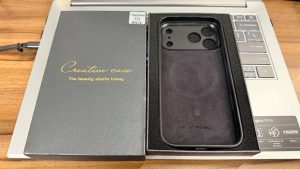
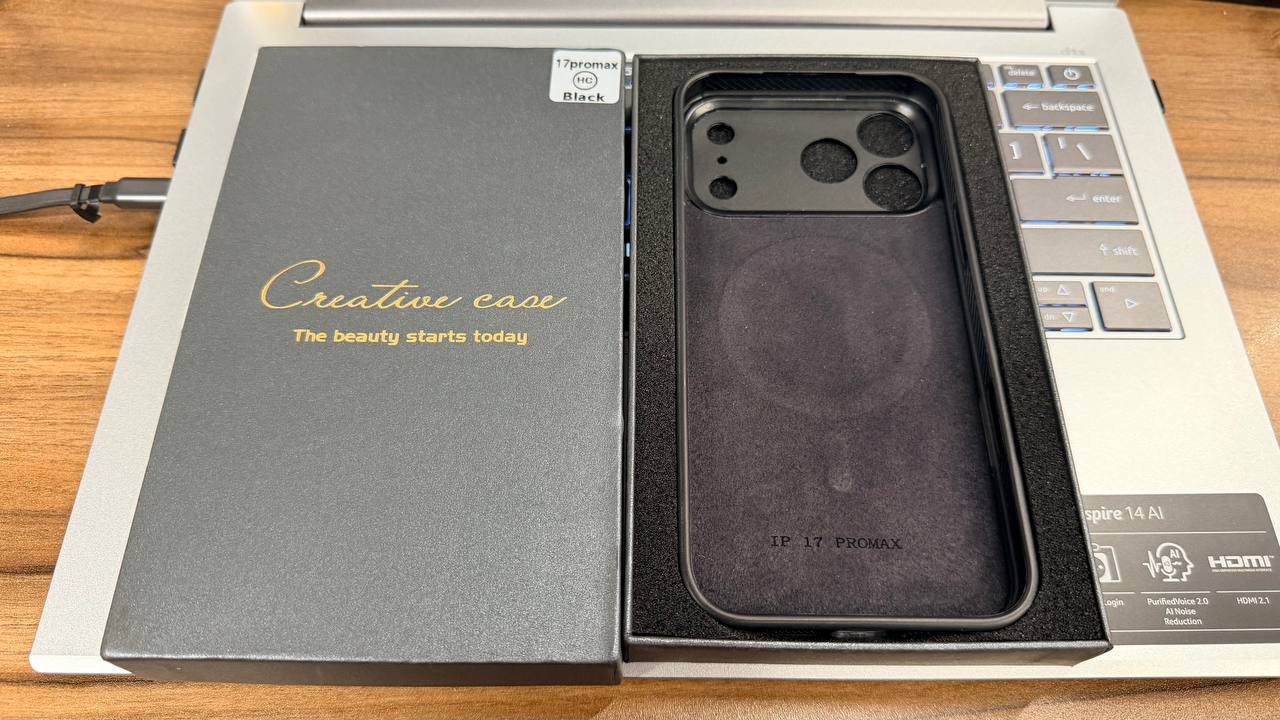
 The black MagSafe compatible case with a circular rear e-ink display built into the back.
I bought one of those NFC e-ink MagSafe compatible phone cases, because apparently the next logical step in phone accessories is giving the back of your phone its own tiny low-power poster.
The idea is simple: the case has an e-ink style screen built into the back. Instead of being stuck with one fixed design, you can transfer an image from your phone to the case and change the look whenever you feel like it. Today it can be a photo. Tomorrow it can be a graphic. Next week it can be something deeply unserious that only makes sense to you.
The Clever Bit: No Battery Needed
The clever part is that the screen does not need its own battery. It gets powered during the NFC transfer process, a bit like how some NFC cards or tags work. Once the image is written to the display, it stays there without draining anything.
That is the part I genuinely like. No charging cable, no tiny mystery battery, no “please remember to charge your phone case” nonsense. The phone already asks for enough attention.
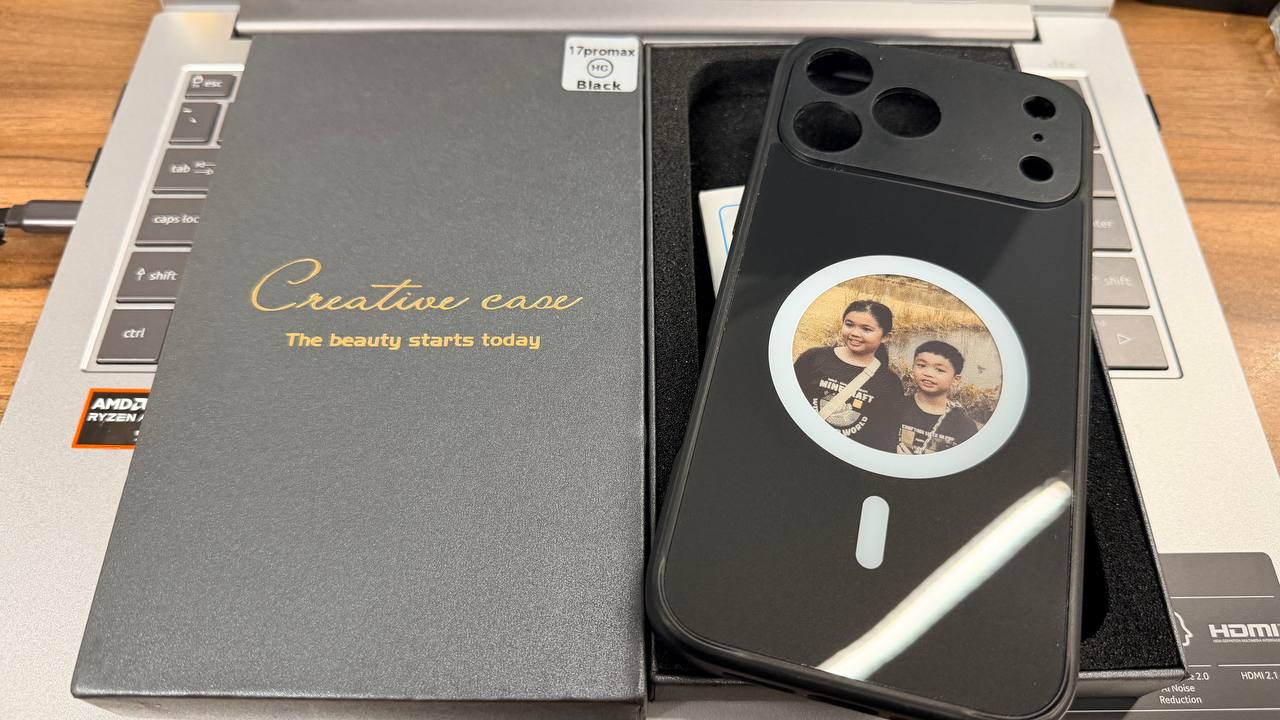 A custom image loaded onto the e-ink screen at the back of the phone case.
How the Screen Actually Looks
The case I received is a glossy black MagSafe-style case with the display sitting inside the circular MagSafe area. The screen has that typical e-ink look: muted colours, visible dithering, and not much fine detail. Do not expect OLED sharpness. This is more “tiny printed sticker that can change” than “mini iPhone screen”.
But for this kind of product, that is actually fine. Simple images, portraits, illustrations, logos, or clean graphic designs work best. If you try to put a very detailed photo on it, the result will probably look a bit crunchy. Charming, but crunchy.
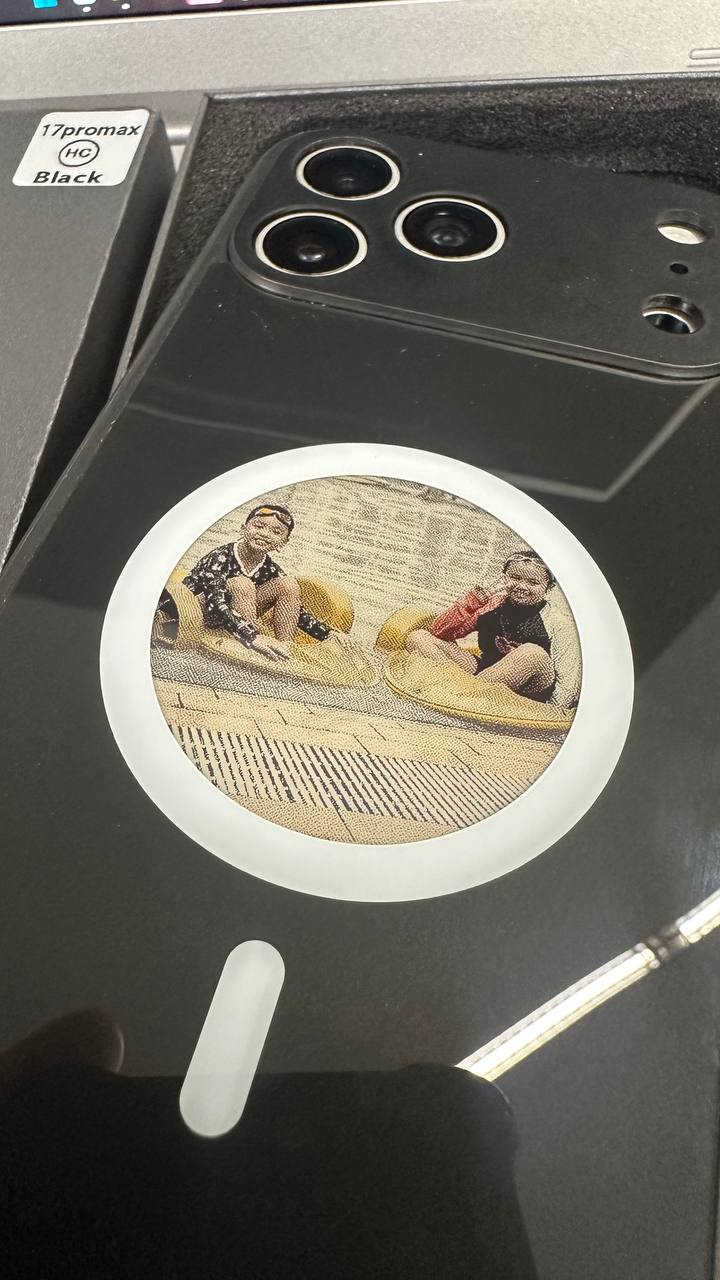 Close-up of the e-ink display showing its muted colour and visible dot texture.
The App Works, But It Is Very Marketplace Gadget
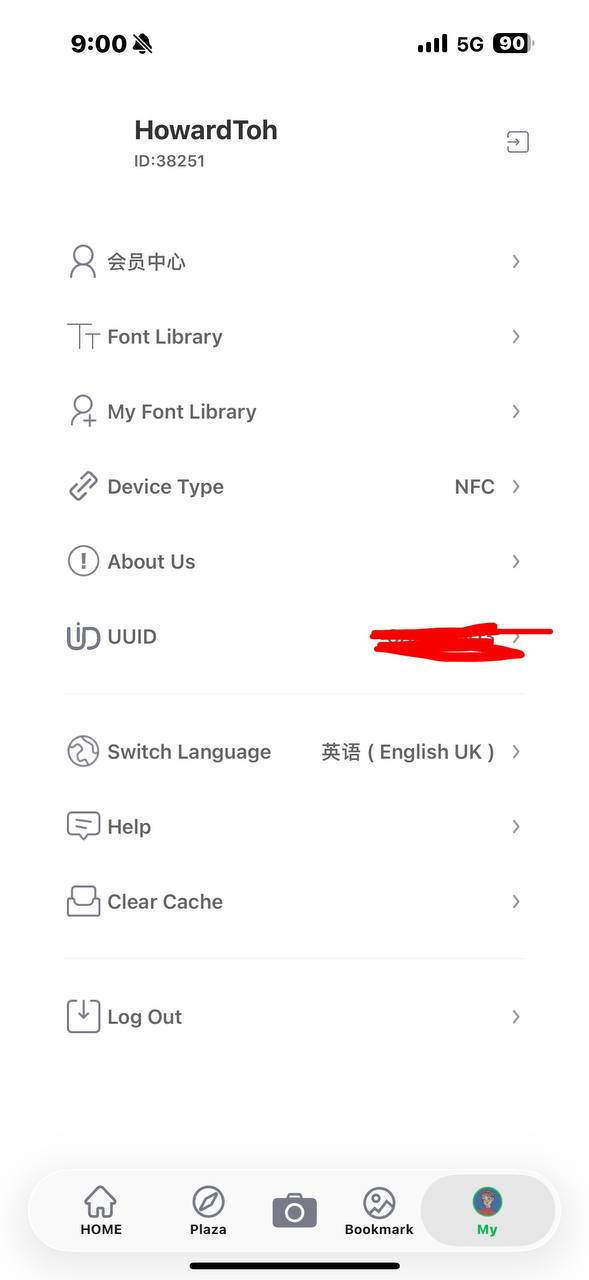
Setup was not too hard. The companion app lets you pick or create an image, then transfer it to the case using NFC. In the app, the device type shows as NFC, and there are options for things like fonts, image tools, language settings, help, and cache clearing.
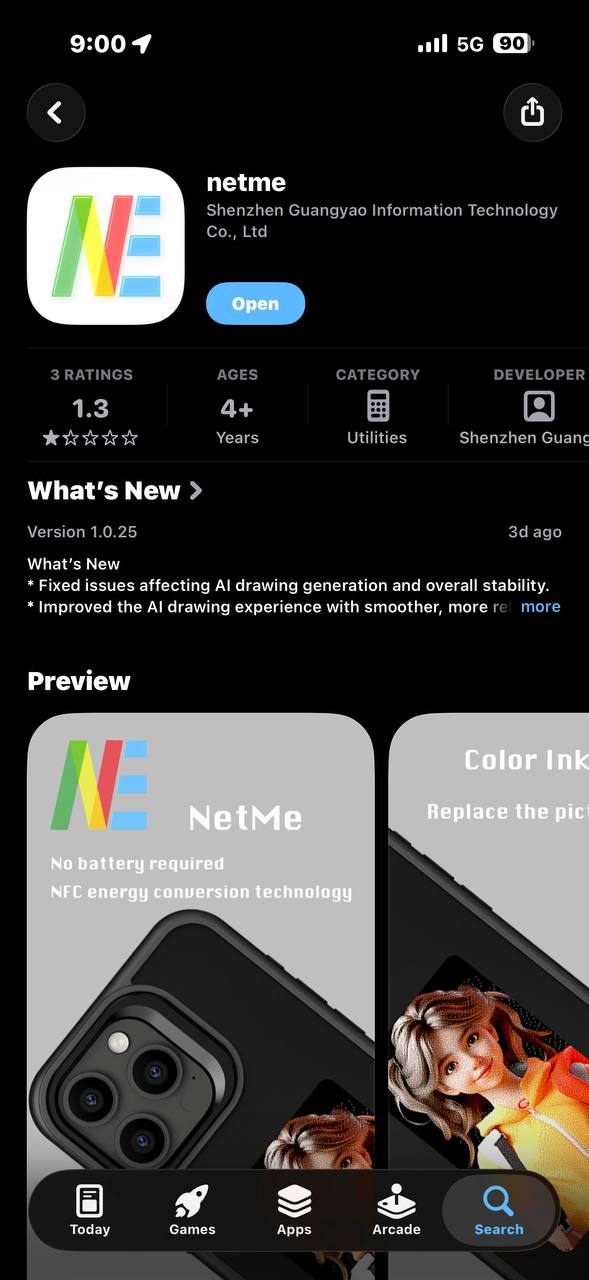
It works, but the app feels very “random gadget from marketplace land”. Some parts are not fully polished, and the App Store rating I saw was not exactly confidence-inspiring.
 The companion app listing used to transfer images to the NFC e-ink phone case.
 The app settings screen showing NFC device type and related options.
My One Rant: Random Ads
My one real rant: the app randomly redirected me to full-screen ads or affiliate-style sites a couple of times. Not constantly, thankfully, but enough for me to notice and go, “Oi, behave.”
For a product that is otherwise quite fun, that feels cheap. If the app is required to update the case, it should not be flinging users into random ad pages. That is not classy.
So, Is It Worth Buying?
Once the image is on the case, the actual product is fun. It is geeky in a way I enjoy. It turns your phone case into something you can refresh without buying another case, another sticker, or another pile of plastic that eventually ends up in a drawer.
Would I call it essential? No. This is absolutely a novelty purchase.
Would I call it interesting? Very much yes.
If you like small gadgets, customising your phone, or owning accessories that make people ask “wait, what is that?”, this is a fun one. Just keep your expectations realistic: the screen is decorative, not high-resolution; the app works, but has some sketchy ad behaviour; and the whole thing is more conversation starter than productivity tool.
For me, that is enough. It is not perfect, but it is oddly satisfying. And honestly, being able to change the back of my phone case using NFC still feels like the sort of unnecessary tech trick that makes my inner gadget uncle quietly pleased.
View the NFC e-ink MagSafe compatible phone case on Shopee
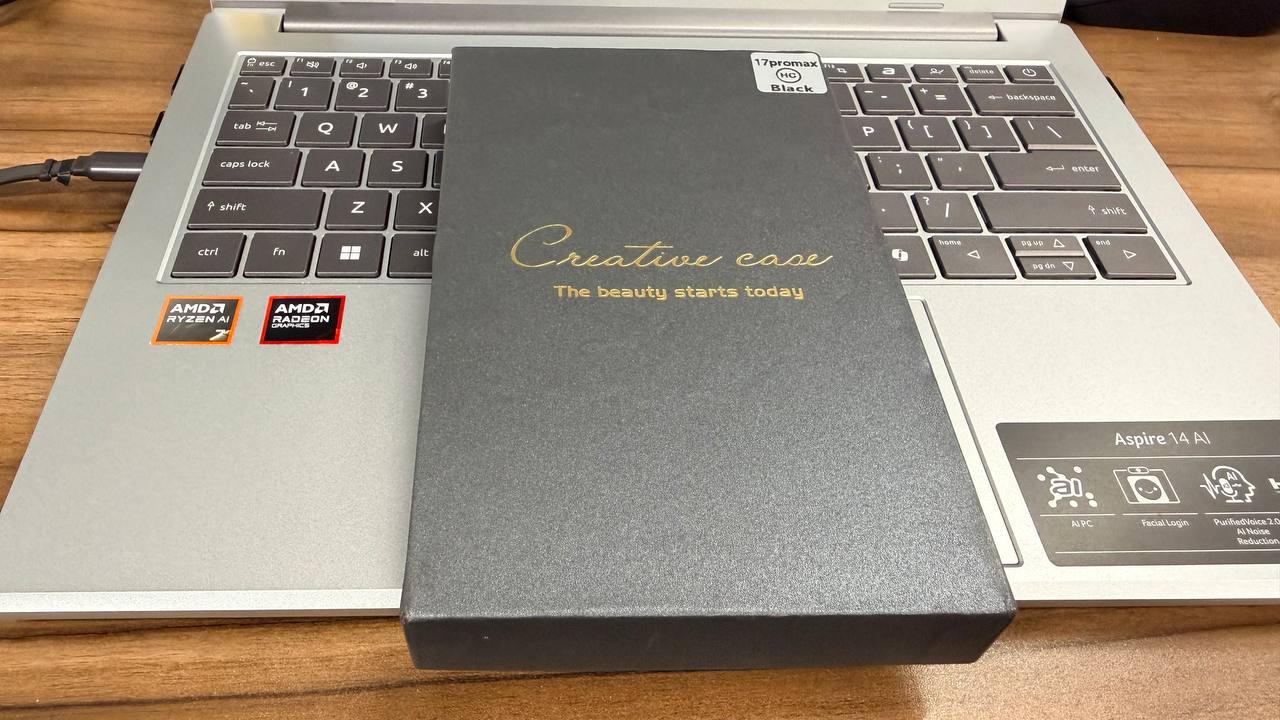 The NFC e-ink MagSafe compatible phone case in its Creative Case packaging.
Comments
comments